


Tyrannosaurus Rigged and Animated 3D Model
Tyrannosaurus Rigged And Animated 3D Model includes 70 Realistic Animations. Tyrannosaurus Rigged And Animated 3D Model Character has been fully Blender Advanced rigged. Tyrannosaurus Rigged And Animated 3D Model character has its own animations which is based on realistic methodology. You can easily append this character into your scene. This model can also be used for your games. This Tyrannosaurus Rigged And Animated 3D Model animation pack is simple to use and will save a lot of time. By following a few simple steps, you may use this character to create any scene or movie without wasting time on modelling, rigging, and animations.
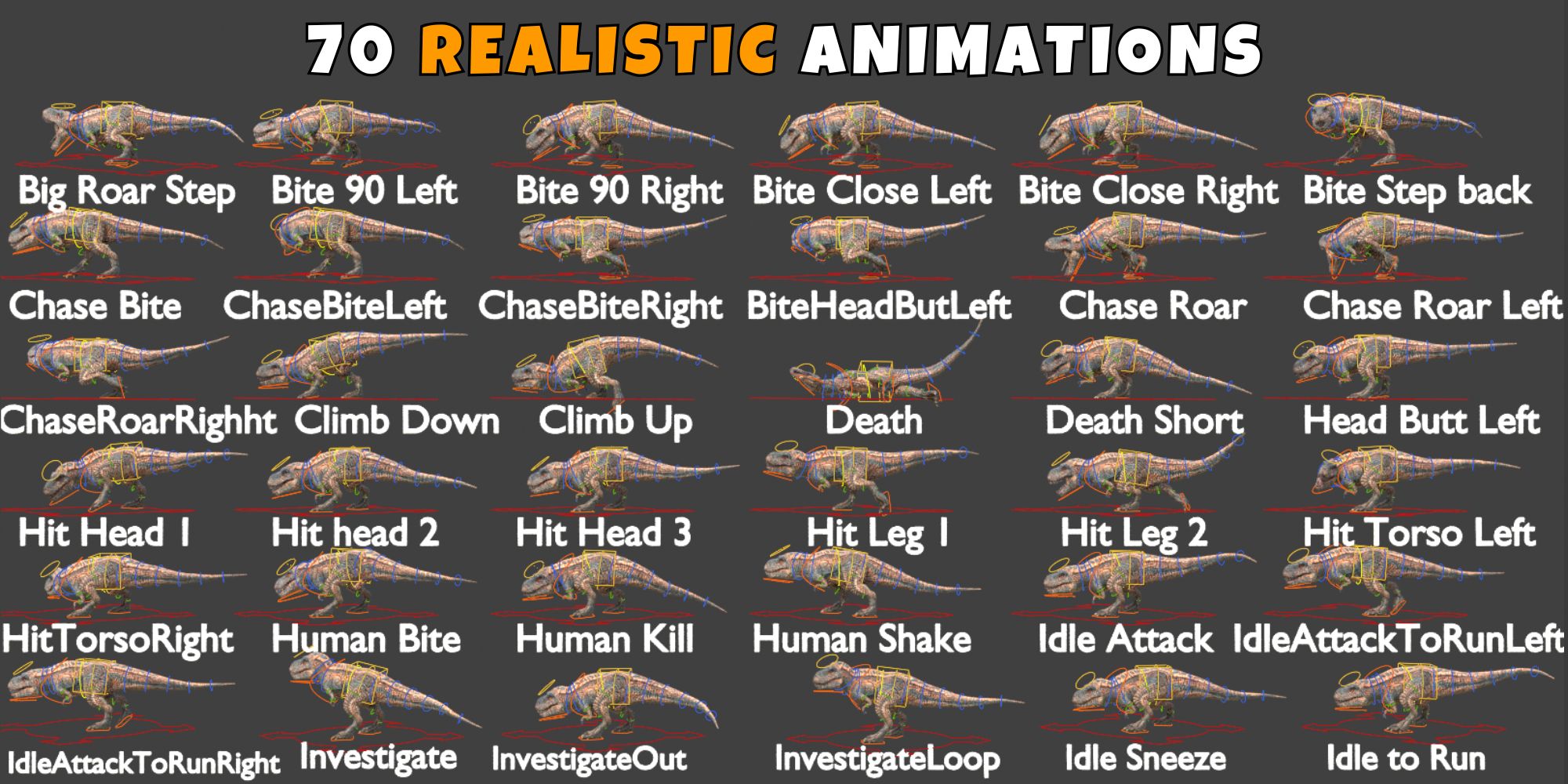
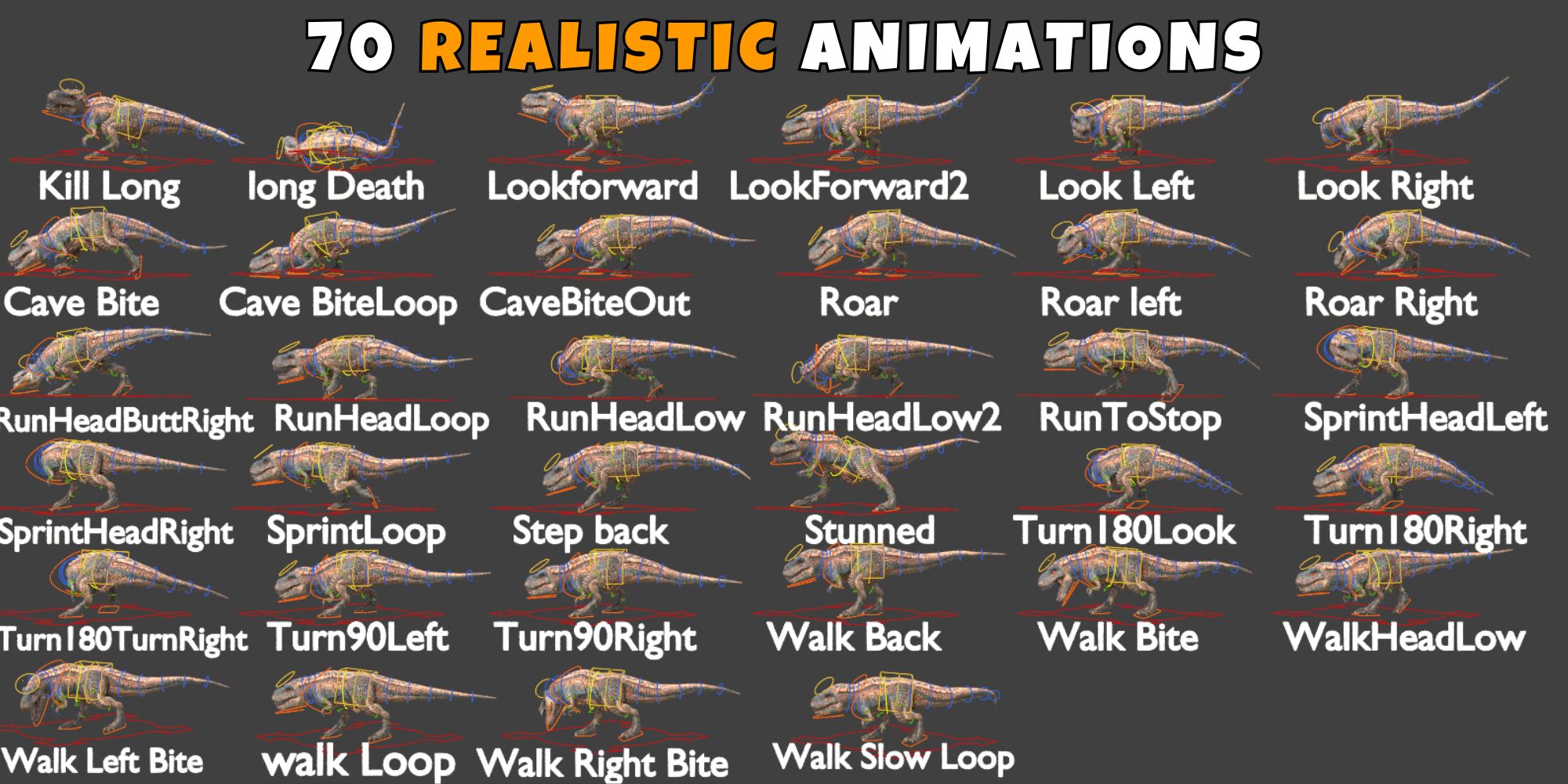
Advanced Blender Rigging:
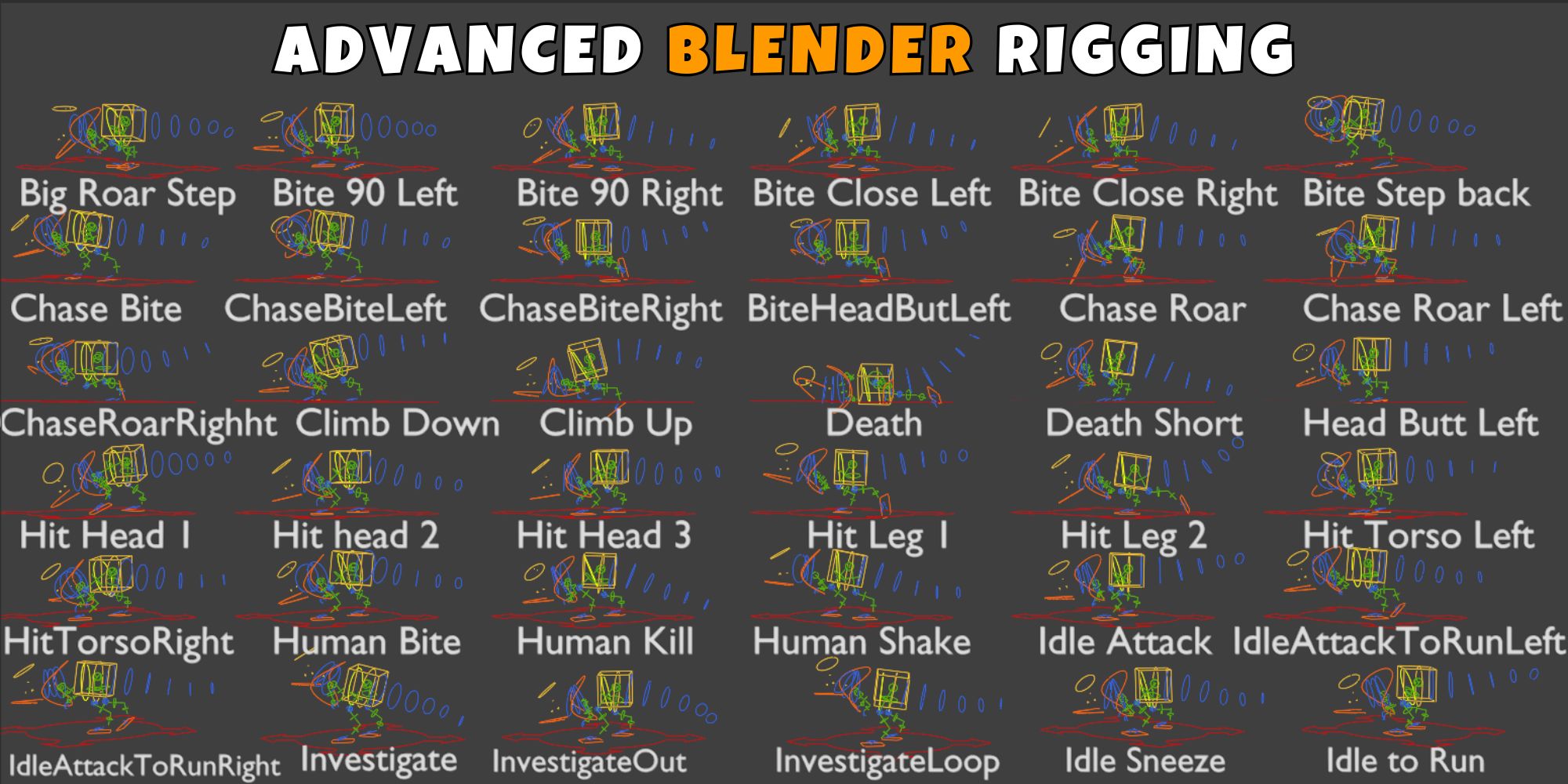
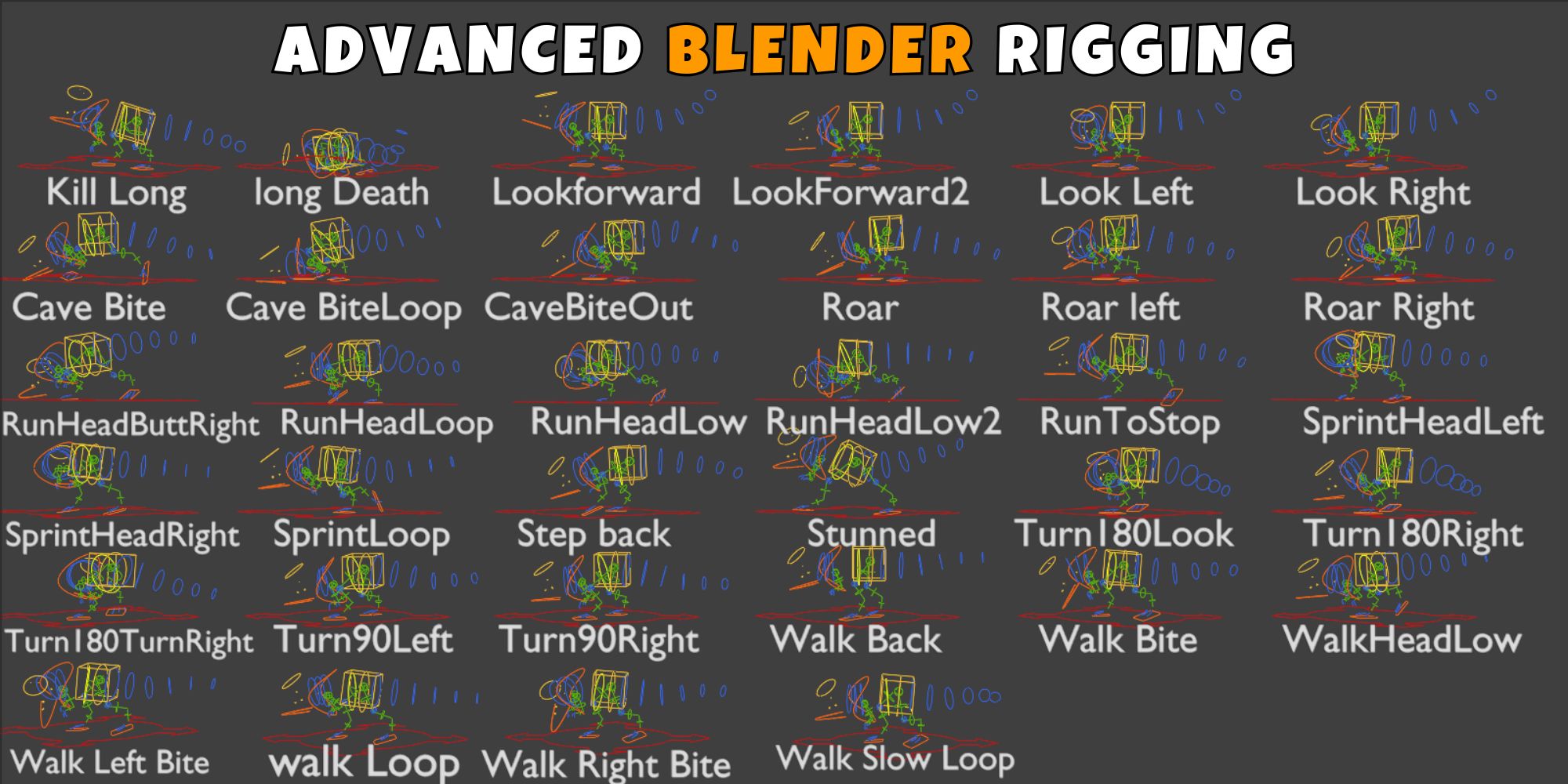
Realistic Tyrannosaurus Rigged and Animated 3D Model Animations:
Tyrannosaurus Rigged and Animated 3D Model Animations List:_
- Big Roar Step
- Bite 90 Left
- Bite 90 Right
- Bite Close Left
- Bite Close Right
- Bite Head Butt Left
- Bite Step Back
- Cave Bite
- Cave Bite Loop
- Cave Bite Out
- Chase Bite
- Chase Bite Left
- Chase Bite Right
- Chase Roar
- Chase Roar Left
- Chase Roar Right
- Climb Down
- Climb Up
- Death
- Death Short
- Head Butt Left
- Hit Head 1
- Hit Head 2
- Hit Head 3
- Hit Leg 1
- Hit Leg 2
- Hit Torso Left
- Hit Torso Right
- Human Bite
- Human Kill
- Human Shake
- Idle Attack
- Idle Attack To Run Left
- Idle Attack To Run Right
- Idle Sneeze
- Idle To Run
- Investigate
- Investigate Loop
- Investigate Out
- Kill Long
- Long Death
- Look Forward
- Look Forward 2
- Look Left
- Look Right
- Roar
- Roar Left
- Roar Right
- Run Head Butt Right
- Run Head Loop
- Run Head Low
- Run Head Low 2
- Run To Stop
- Sprint Head Left
- Sprint Head Right
- Sprint Loop
- Stunned
- Step Back
- Turn 180 Look
- Turn 180 Right
- Turn 180 Turn Right
- Turn 90 Left
- Turn 90 Right
- Walk Back
- Walk Bite
- Walk Head Low
- Walk Left Bite
- Walk Loop
- Walk Right Bite
- Walk Slow Loop
Quick Start: Bring Your Character to Life!
Getting your new animated model into your project is a breeze. Follow these 3 simple steps to get rendering in seconds:
Import the Collection
For a perfect setup with all meshes, armatures, and materials intact, Append the Collection instead of individual objects.
- In your new scene, go to File > Append.
- Locate the
Tyrannosaurus Rigged And Animated 3D Model.blendfile. - Open the Collection folder.
- Select “Tyrannosaurus rigged and animated 3D Model_Main” and click Append.
Bring in the Animations
To ensure every custom movement is available in your new project:
- Go to File > Append again (same file).
- This time, open the Action folder.
- Select all listed animations (e.g., Walk, Attack, Idle) and click Append.
Activate & Play!
Now, simply “plug in” the animations to the rig:
- Select the Armature (the bones) in your 3D view.
- Switch your bottom window to the Action Editor (found inside the Dope Sheet).
- Click the Browse Action icon (the small picture button).
- Pick an animation from the list—your Tyrannosaurus rigged and Animated 3d Model will instantly snap into action!



Reviews
There are no reviews yet.